Creating a productive workspace at home can make a significant difference in your work quality and efficiency. Whether you’re working remotely full-time or just need a dedicated spot for occasional tasks, organizing your space thoughtfully helps you stay focused and motivated. Here are practical tips to help you organize a home workspace that inspires productivity and keeps clutter under control.
Choose the Right Spot
Finding the right area in your home to set up your workspace is the first step. Ideally, this should be a quiet corner with enough room for your desk, chair, and any necessary equipment.
– Consider natural light: A spot near a window can improve your mood and reduce eye strain.
– Minimize distractions: Avoid high-traffic areas like the living room or kitchen if possible.
– Evaluate space: Make sure there’s enough surface area for your computer, notebooks, and other work essentials.
Invest in Ergonomic Furniture
Comfort is key when organizing a home workspace for long hours. Invest in furniture that supports good posture and reduces strain.
– Desk: Choose a desk at the right height so your arms rest comfortably while typing.
– Chair: Use an adjustable chair with good lumbar support.
– Accessories: Footrests, monitor stands, and wrist supports can also improve comfort.
Declutter and Organize Your Desk
A clutter-free desk helps keep your mind clear and focused. Here’s how to organize your desk effectively:
– Limit items on your desk: Keep only everyday essentials like your computer, a notebook, a pen, and perhaps a cup of water.
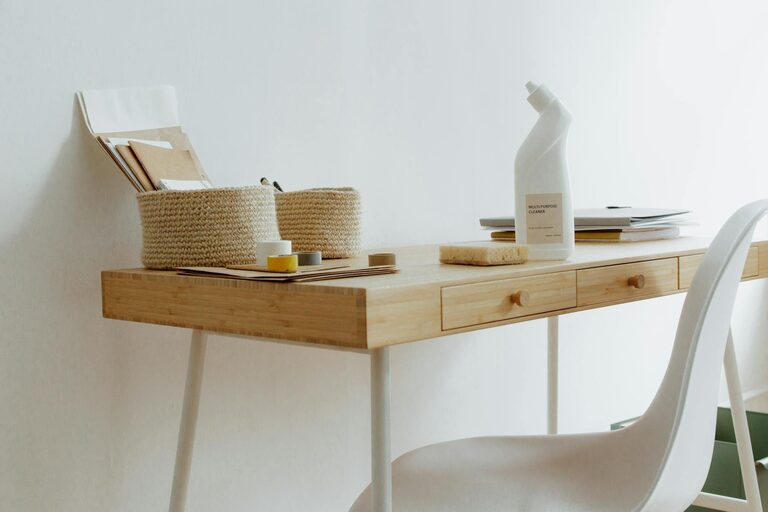
– Use organizers: Desk trays, pen holders, and cable management clips can reduce mess.
– Implement a daily reset: Spend a few minutes at the end of each day tidying your desk to start fresh tomorrow.
Incorporate Smart Storage Solutions
Adequate storage helps prevent papers and supplies from piling up or getting lost.
– Shelves and drawers: Use shelves for books and binders, and drawers for smaller items and personal belongings.
– Filing system: Create a simple filing system for important documents—consider color-coded folders or labels.
– Digital storage: Scan important papers to reduce physical clutter and back up files on the cloud or an external drive.
Personalize Your Space Wisely
Adding personal touches can make your workspace inviting, but avoid overdecorating.
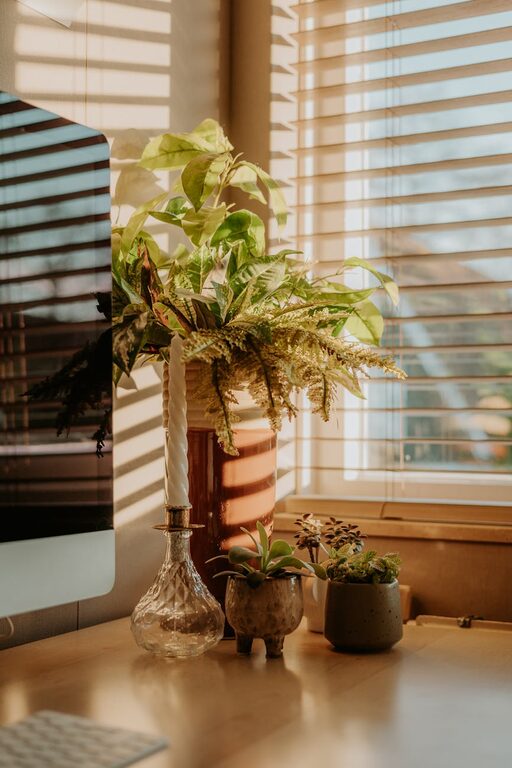
– Plants: Small plants bring life and improve air quality.
– Photos and artwork: Place one or two meaningful pieces where you can see them without distraction.
– Color palette: Use calming or motivating colors that suit your taste but keep the setup simple.
Manage Technology Efficiently
Technology is crucial for modern work but can easily create mess and distractions.
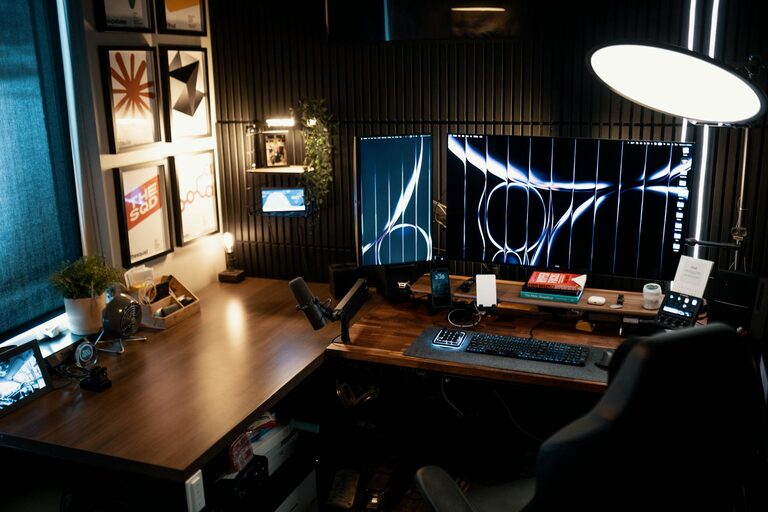
– Cable management: Use clips or sleeves to keep cords organized and out of sight.
– Device placement: Position your monitor at eye level and keyboard close enough for comfortable typing.
– Regular updates: Keep software and hardware up to date to avoid tech frustrations.
Create a Routine and Boundaries
An organized workspace is only part of the productivity puzzle. Establishing clear routines and boundaries supports your workflow.
– Set work hours: Define your start and finish time to separate work from personal life.
– Designate workspace as “work only”: Avoid using your desk for leisure activities to keep your brain in focus mode.
– Take breaks: Use timers or apps to remind yourself to stretch and rest your eyes.
Keep It Clean and Refresh Regularly
A clean workspace contributes to a clear mind. Make cleaning part of your routine:
– Daily: Wipe down surfaces and organize papers.
– Weekly: Dust off shelves and clean electronics.
– Monthly: Review organizational systems and declutter unnecessary items.
Final Thoughts
Organizing a productive home workspace requires thoughtful planning and consistent effort. By choosing the right location, maintaining order, and customizing your setup to your needs, you can create an environment that maximizes focus and boosts your overall productivity. Remember, the best workspace is one that feels comfortable, functional, and inspiring every day.